


A few months back I came across Lance Mindheim’s post on freight car coupling on his website. As with all of his writings, I found it informative and motivating.
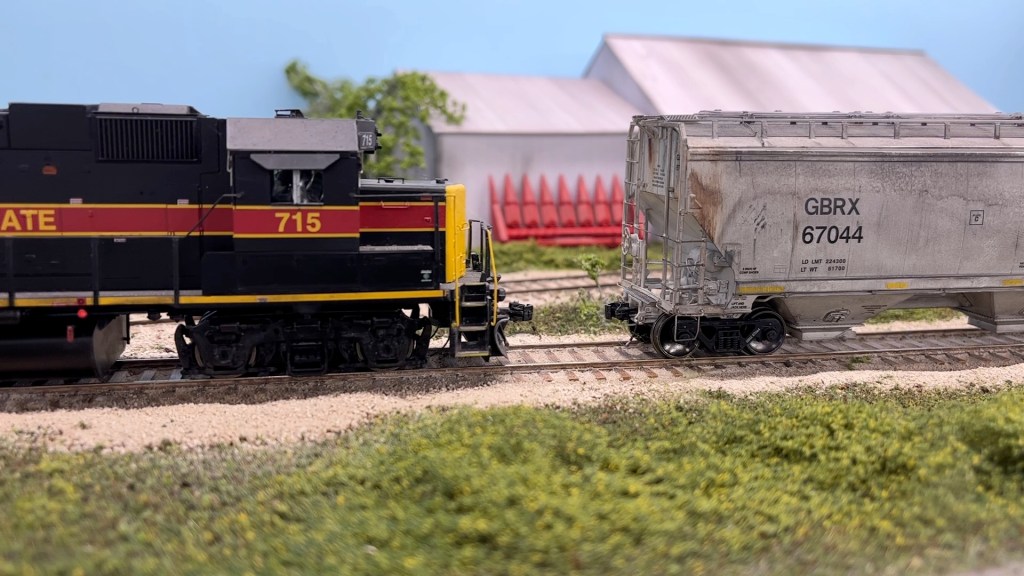
Since reading it, and more specifically watching the video linked within the post, I’ve tried to become more aware of the sudden and complete stop that occurs when two cars couple up. Mostly that has involved better throttle handling on my part. However I also have started to add significant weight to my freight cars, since I figured that would help better replicate the effect.
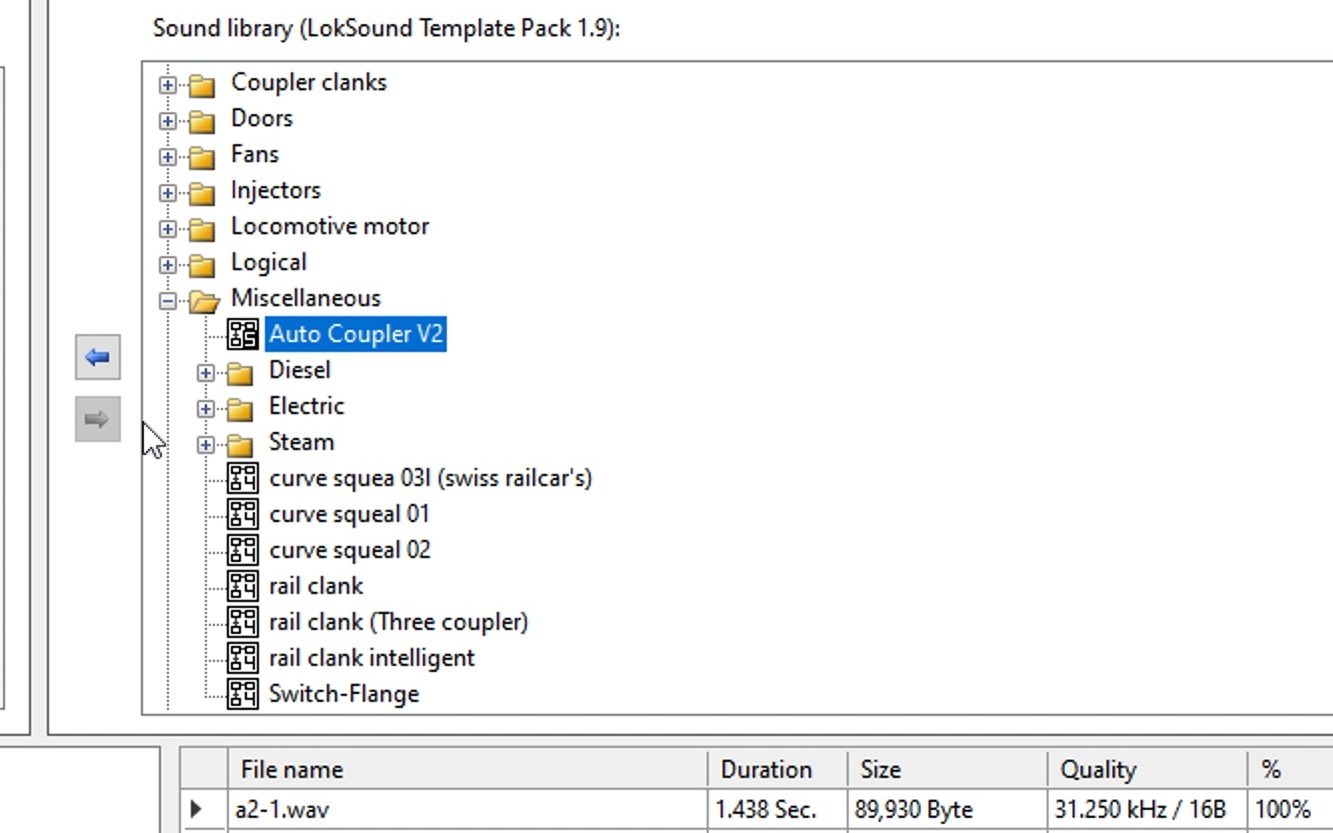
A few days ago I came across an interesting Loksound Template from George Hoffman on the ESU discussion group on Groups.io that has improved the process significantly… the Auto Coupler V2.
In a nutshell, the template greatly increases the realism of coupling and uncoupling decoder sounds. Normally the sound alternates between the two on a decoder, and you can’t uncouple multiple times in a row without breaking the sound into two separate functions. George’s template combines the two sounds with a script that takes the locomotive motion into account so that you only couple when you’re moving and uncouple when you’re idling.
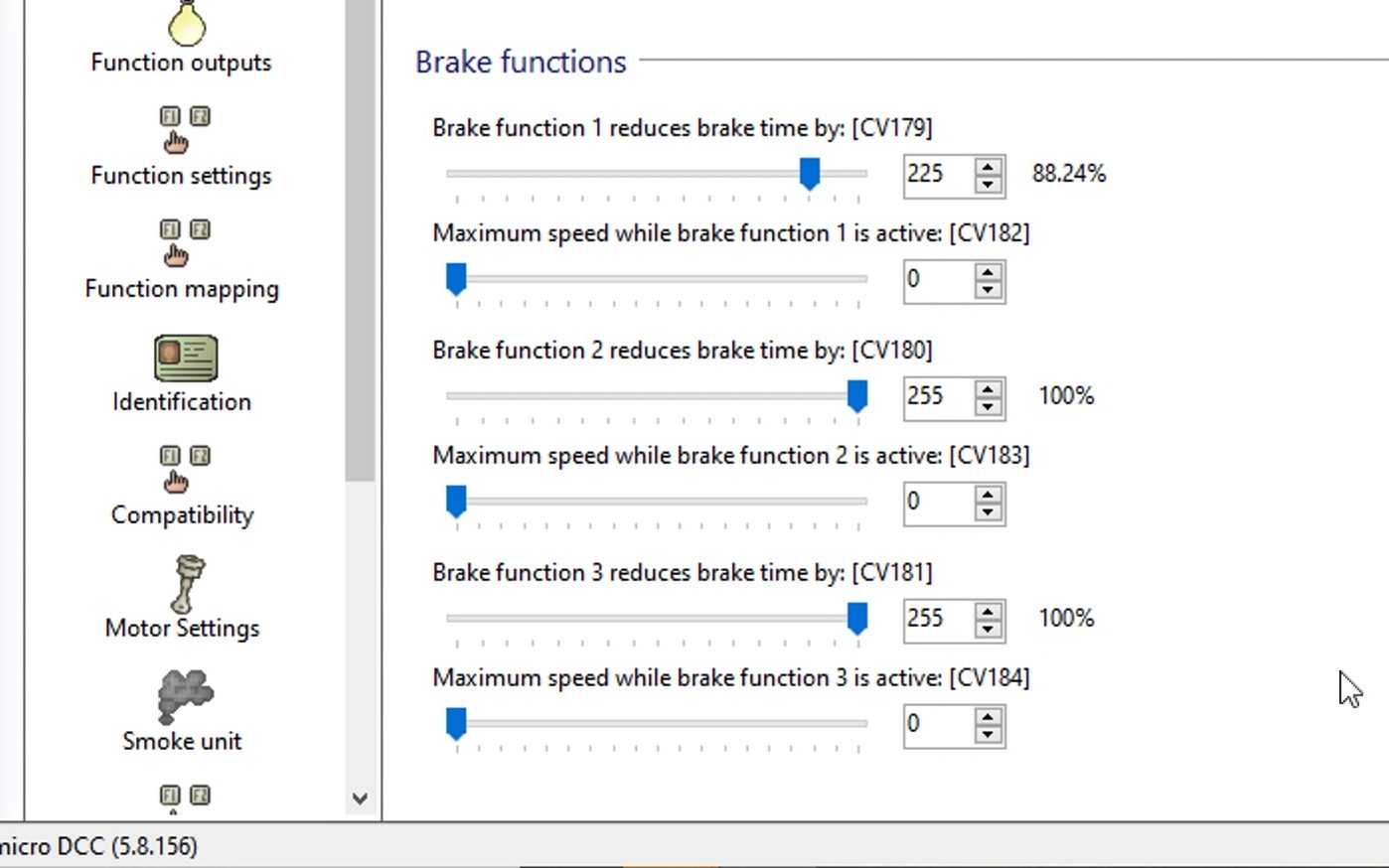
On top of that, the template adds braking to the coupling process. When triggered, all three brakes in a Loksound v5 decoder are activated. I maxed out the CV values for Brake 2 and 3, while leaving Brake 1 to be used for the independent brake on my ProtoThrottle. With all three brakes on, the locomotive stops on a dime to help simulate the force that occurs when two cars connect. It will also drop the prime mover to idle.
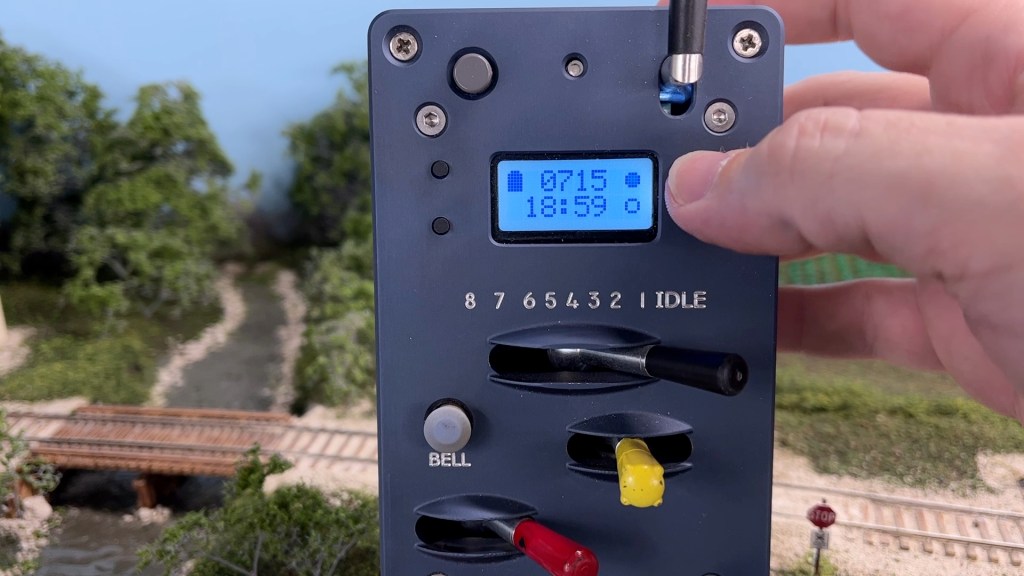
The only caveat is that you have to turn off the function after each use. However that’s not an issue with the ProtoThrottle, since I can assign one of the touchscreen buttons to be a momentary function.
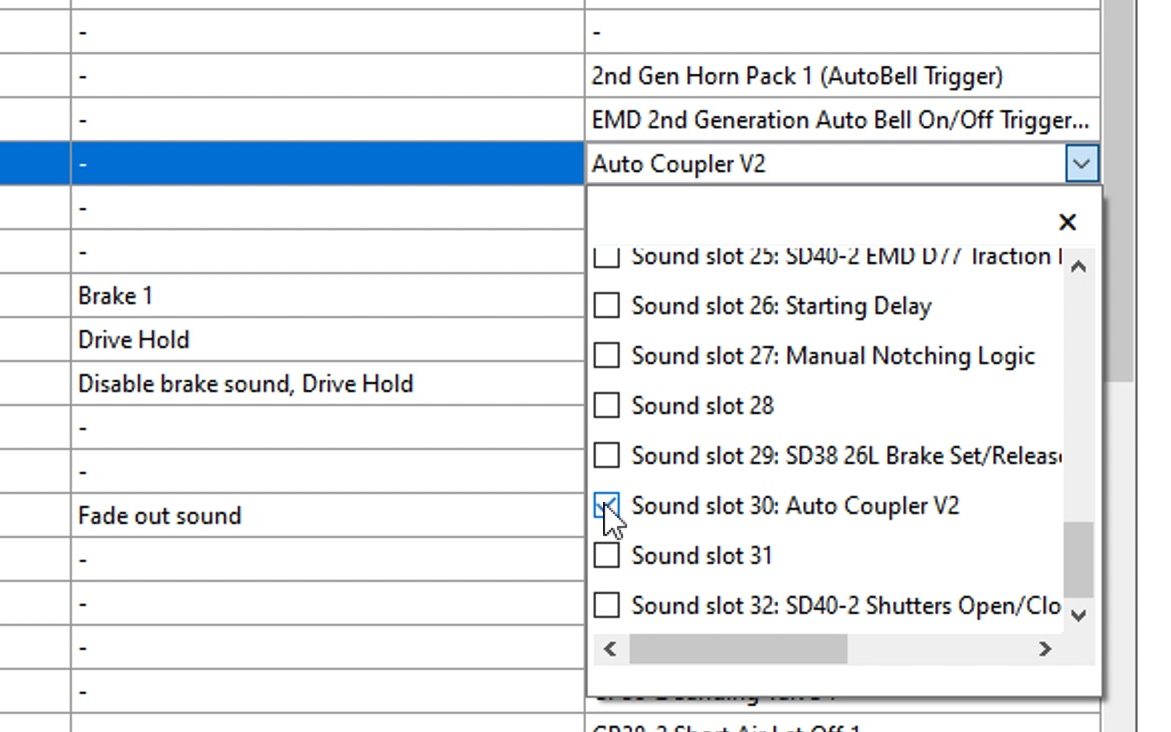
After programming the template to an available sound slot using my LokProgrammer and setting the function mapping to F4, I removed the original mute sound function that I previously had on the touchscreen button (who needs that anyway!) and replaced it with the new template function.
Prior to this I’ve never used the coupling/uncoupling sound function on any of my layouts, locomotives, or decoders, for the reasons I’ve stated above. I’ve been so pleased with this simple little addition that I’m now adding this template to all of my motive power. It’s been rather fun testing it out, and I love how it’s one more aspect of the prototype that I can replicate on The Hills Line.
Enjoy this short video showing my setup and operation of the Auto Coupler template.
 The Hills Line
Presuming I follow through on my plan to build a P:48 urban switching layout at my new home instead of more NG steam, I will definitely have to upgrade my DCC throttle!
Thanks for sharing.
Bill Uffelman
LikeLiked by 1 person
Jame,
I’m interisted in downloading this. I belong to the ESU group but not seeing it can you provide a link?
Wayne Snyder
LikeLike
Link was included in my original post. It’s available at https://groups.io/g/Loksound/message/32696
LikeLike
Thanks James
LikeLiked by 1 person